Official BILA2CUCI Password Reset Guide
How to Reset Password in BILA2CUCI
Password Recovery Method
Reset your password if you are unable to log in.
-
1Go to Login Page
Tap “Forgot Password”. -
2Verify Account
Enter registered phone number. -
3Choose Reset method
Select SMS or WhatsApp. -
4Password Reset Complete
New password sent via chosen method. Please login again.

RESET PASSWORD GUIDE
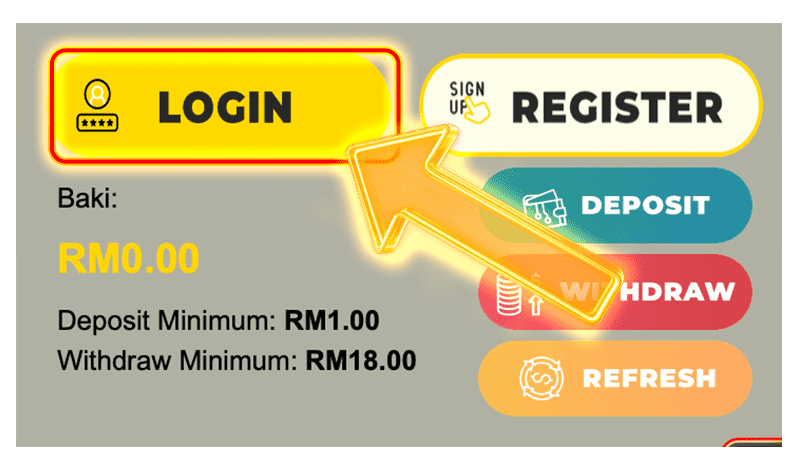
1
Click on “Login”
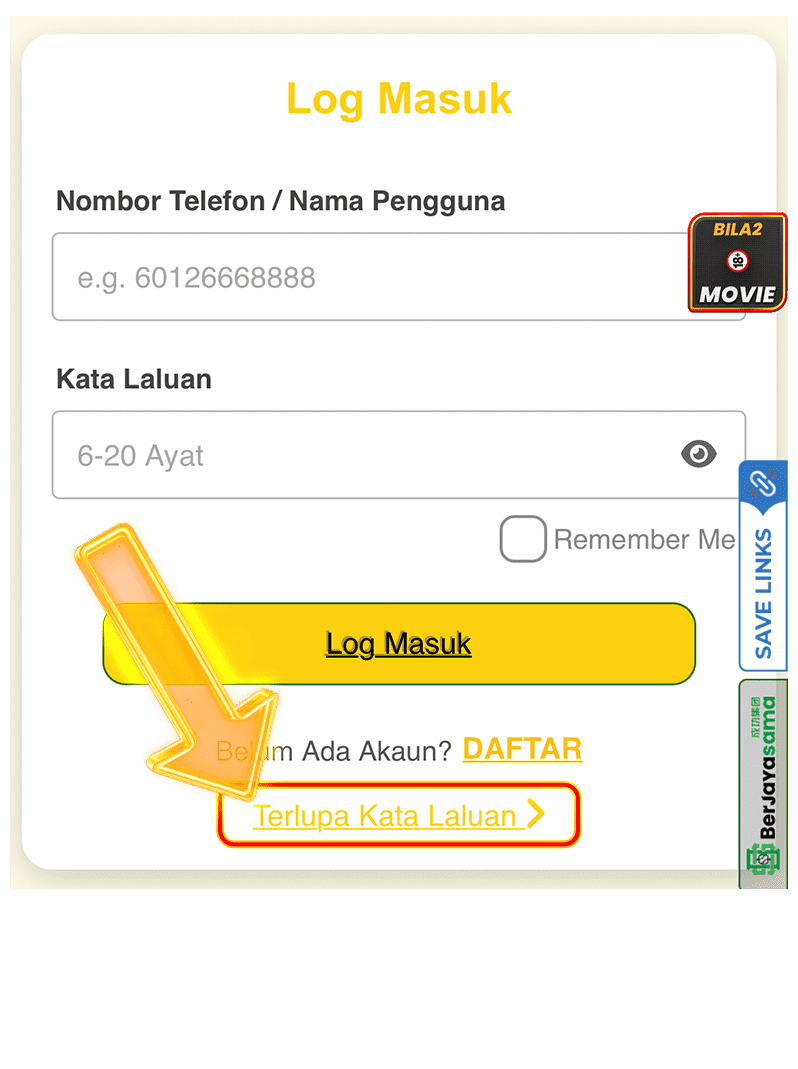
2
Select “Forgot Password”
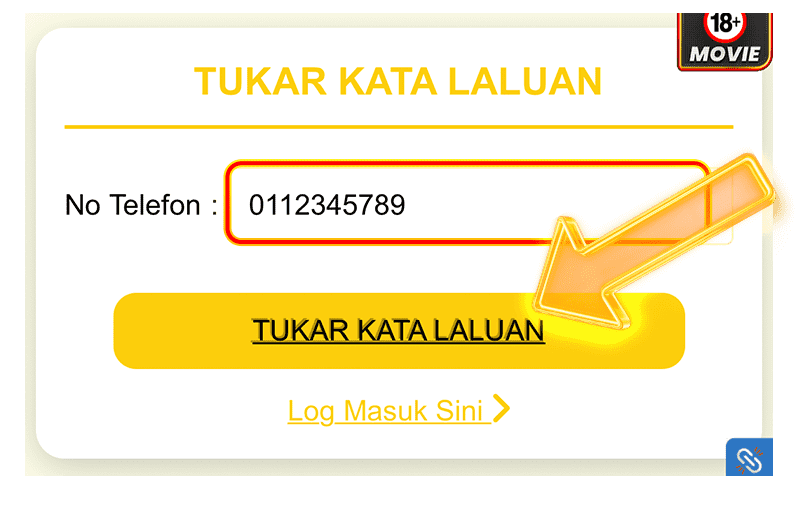
3
Enter Your Phone Number
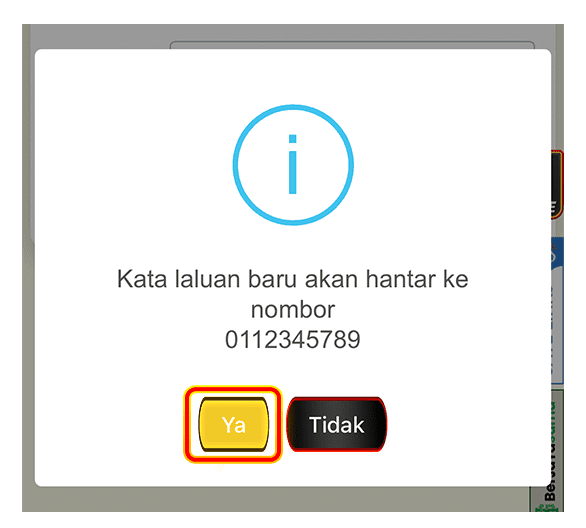
4
Select Method & Confirm Number
5
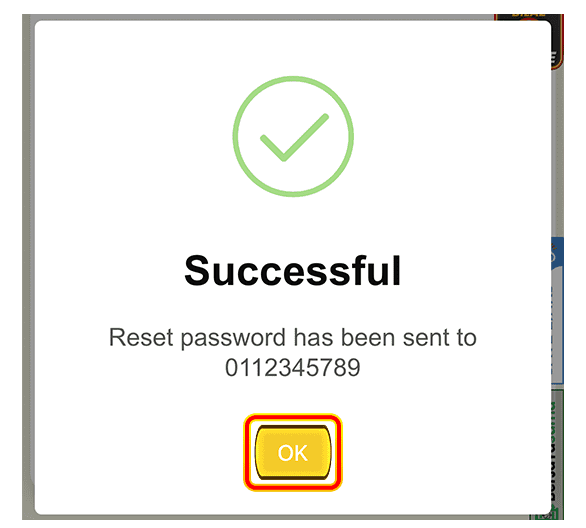
Reset Password Sent
⚠️Important: If you don’t receive the code, contact Customer Service.
Unable to Reset Password?
Please check the following.
-
1Incorrect Details
Ensure entered information is correct. -
2Number not in use
Contact Customer Service for verification. -
3Password Not Received
Check network or contact support.